Charts and plain numbers
Average, lowest, highest, and your own target.
Blood pressureLast 30 days
128/82mmHg
Today, 8:10 AM · pulse 72
SystolicDiastolicYour target
Average127/81
Lowest118/76
Highest138/88
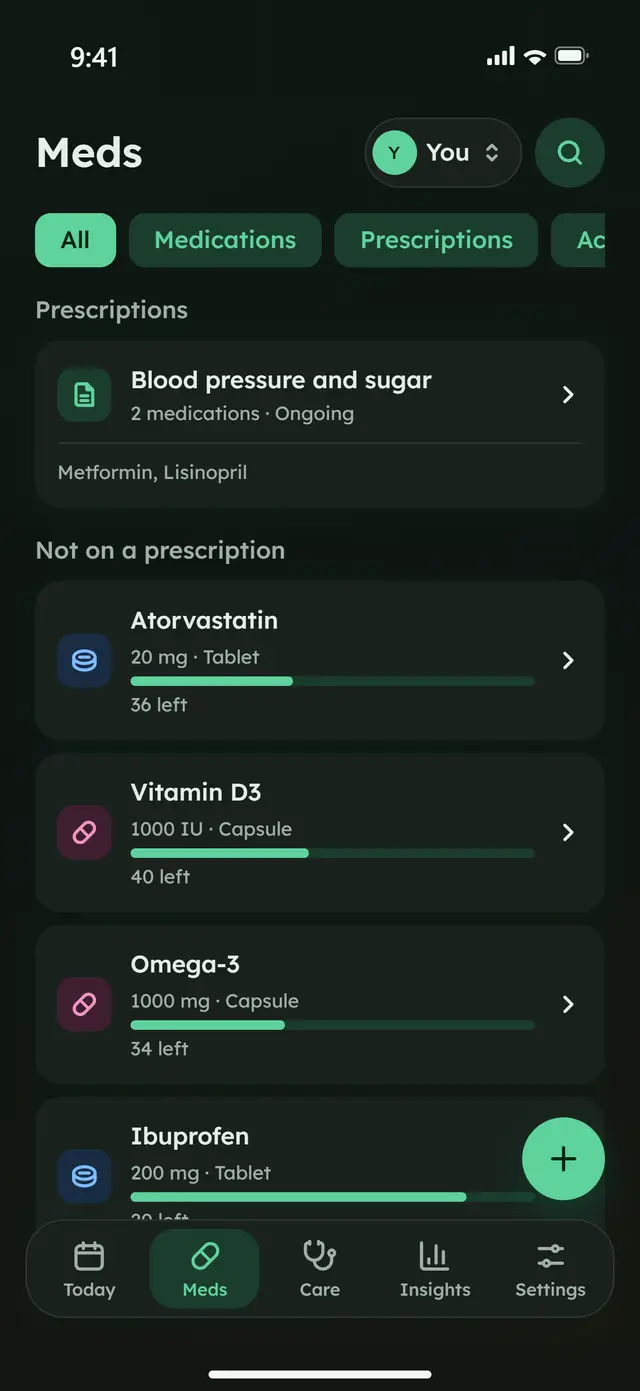
Dosimo reminds you when a dose is due, logs it in one tap, and tells you before you run out.
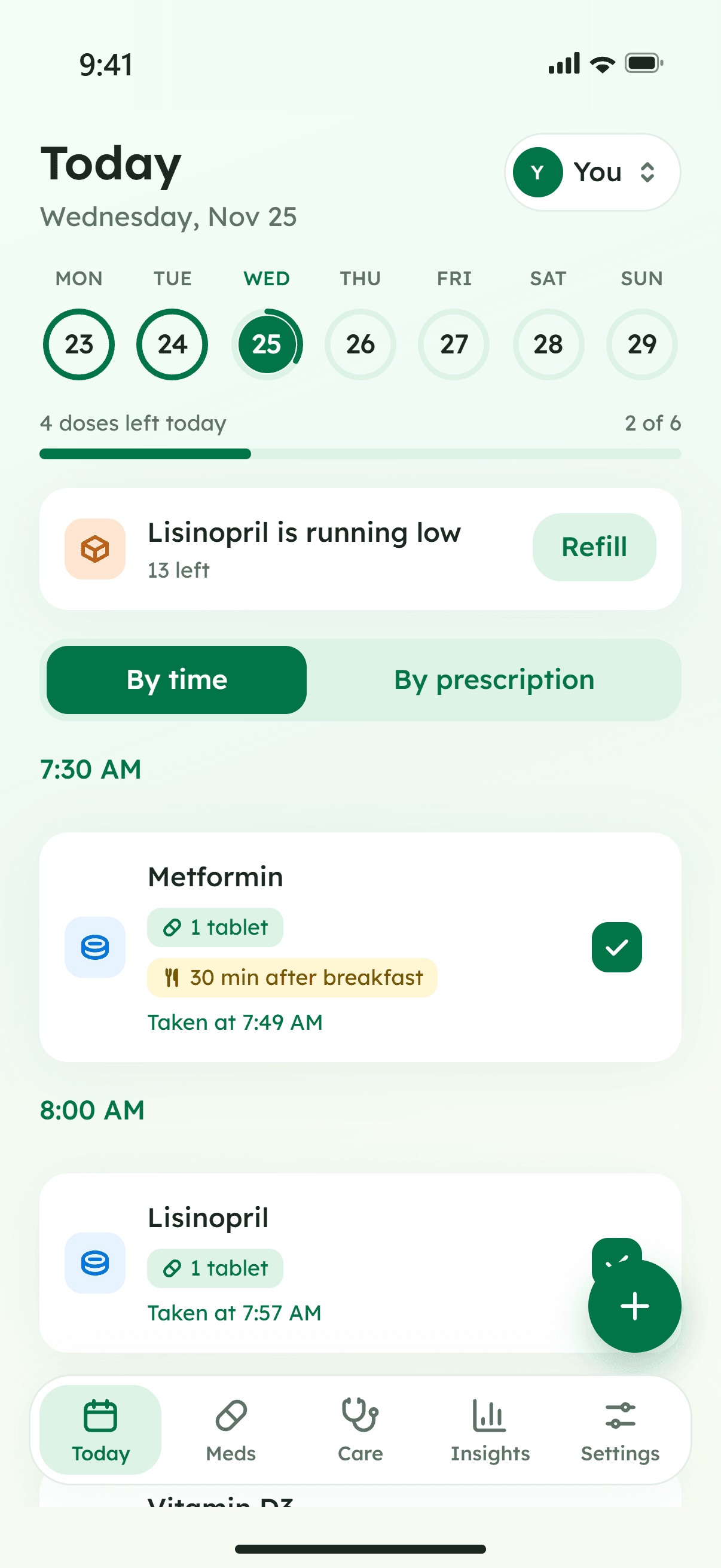
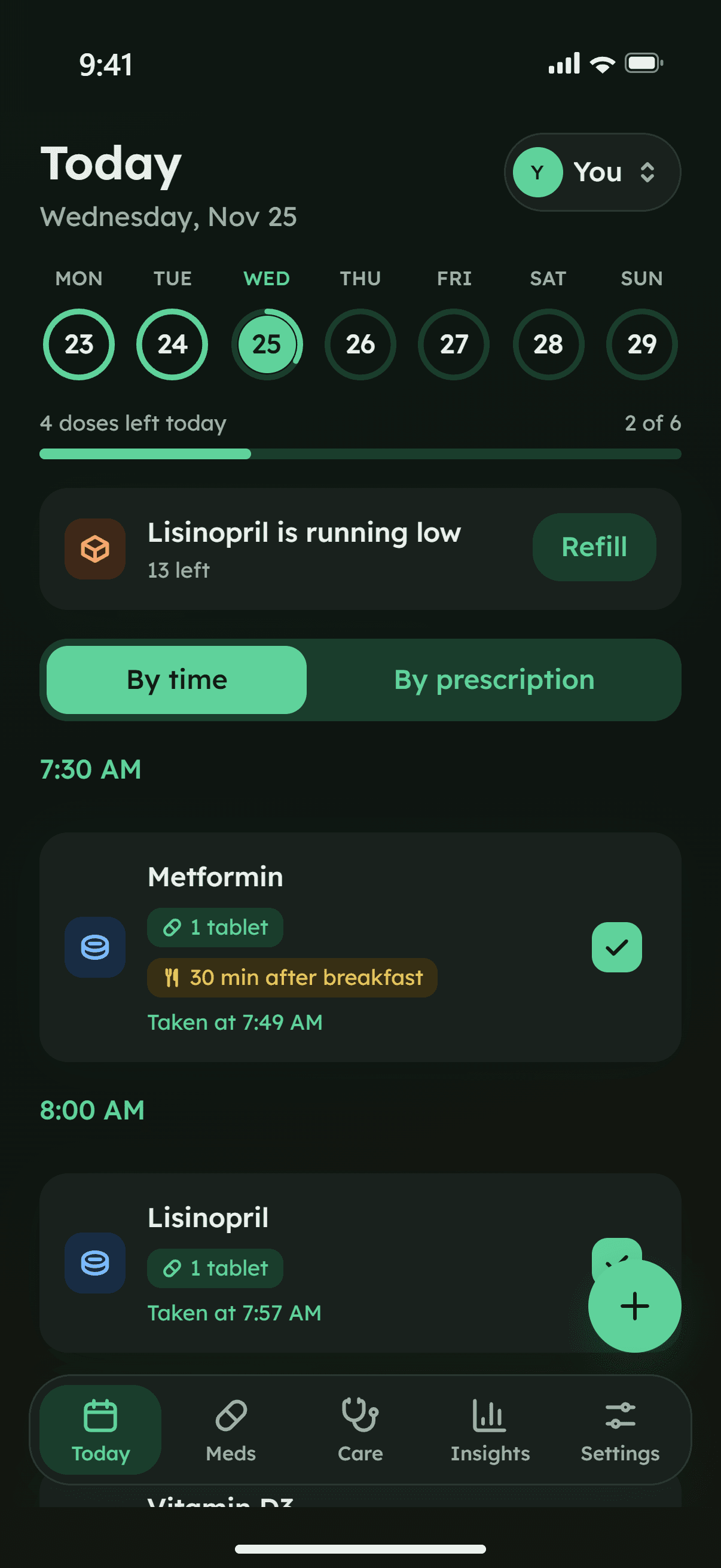
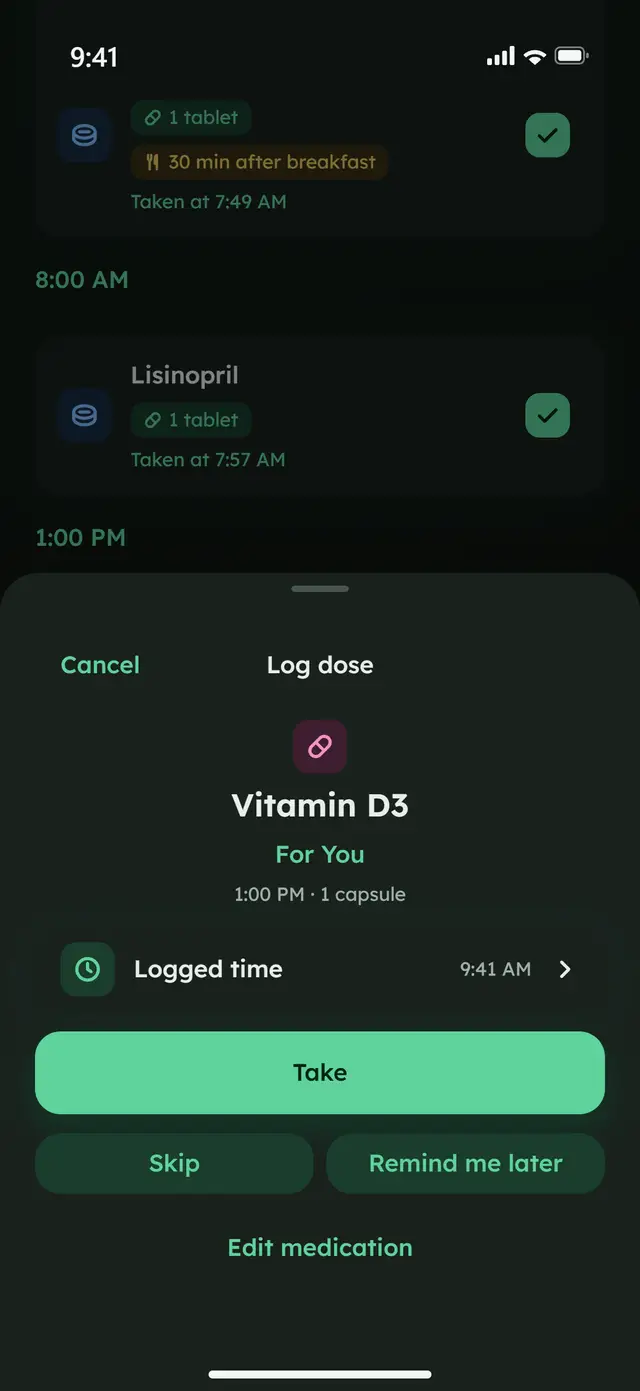
Tick a dose when you take it. Dosimo keeps the time.
Your week as rings
Take every dose that’s due in one tap
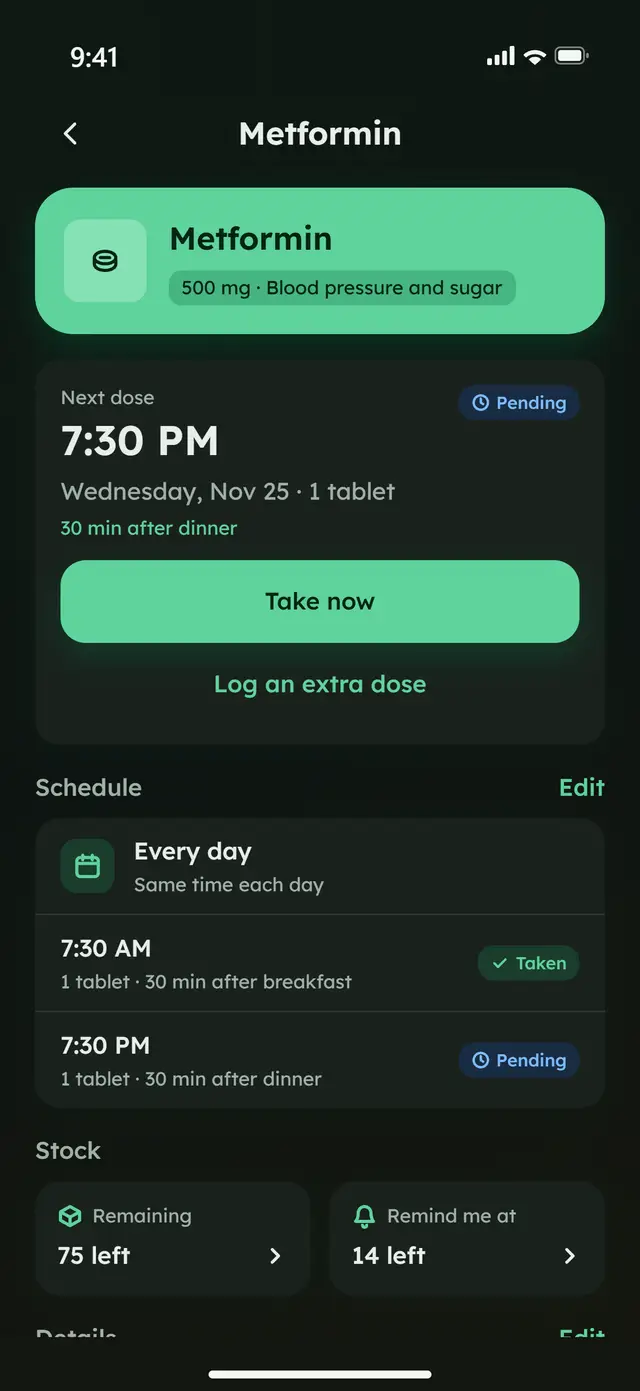
Half tablets, extra doses, and notes
Today
Wednesday, Nov 25
7:30 AM
Metformin
Taken at 7:49 AM
8:00 AM
Lisinopril
Taken at 7:57 AM
1:00 PM
Vitamin D3
Due at 1:00 PM
Take, skip, or remind me later, right from the notification.
You can hide the medication names too.
 Dosimonow
Metformin, Lisinopril
2 doses due
Skipping? Add a reason, like Ran out.
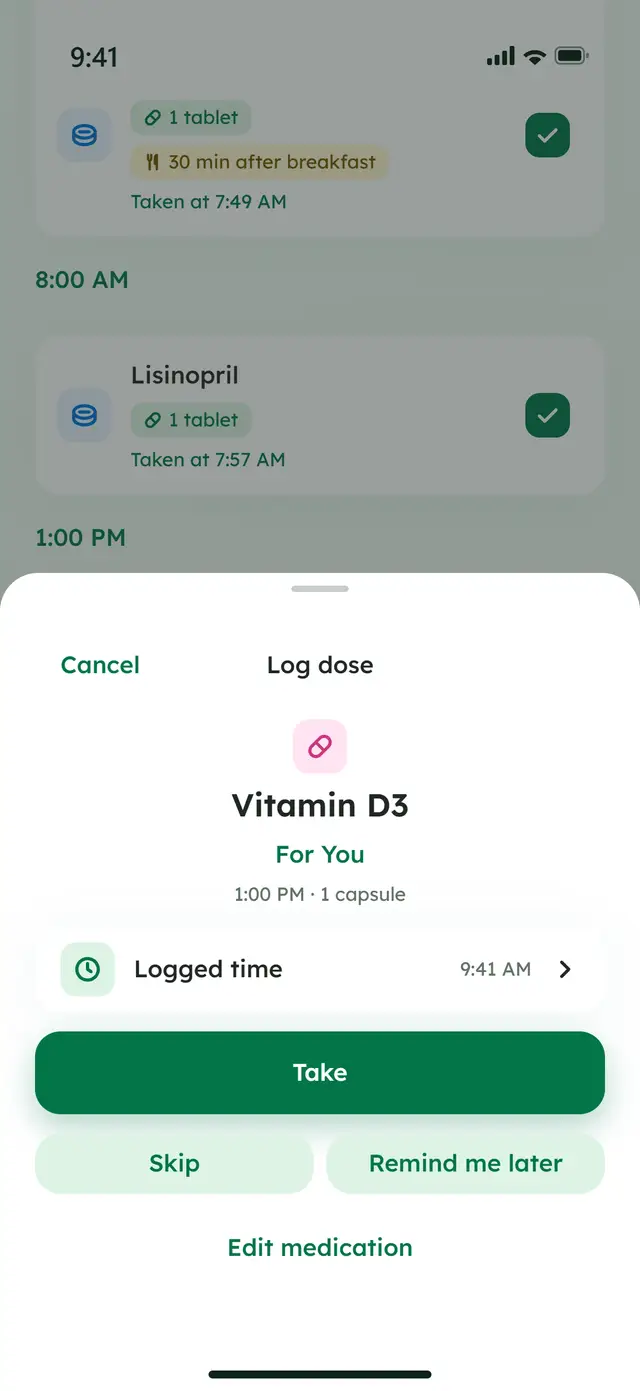
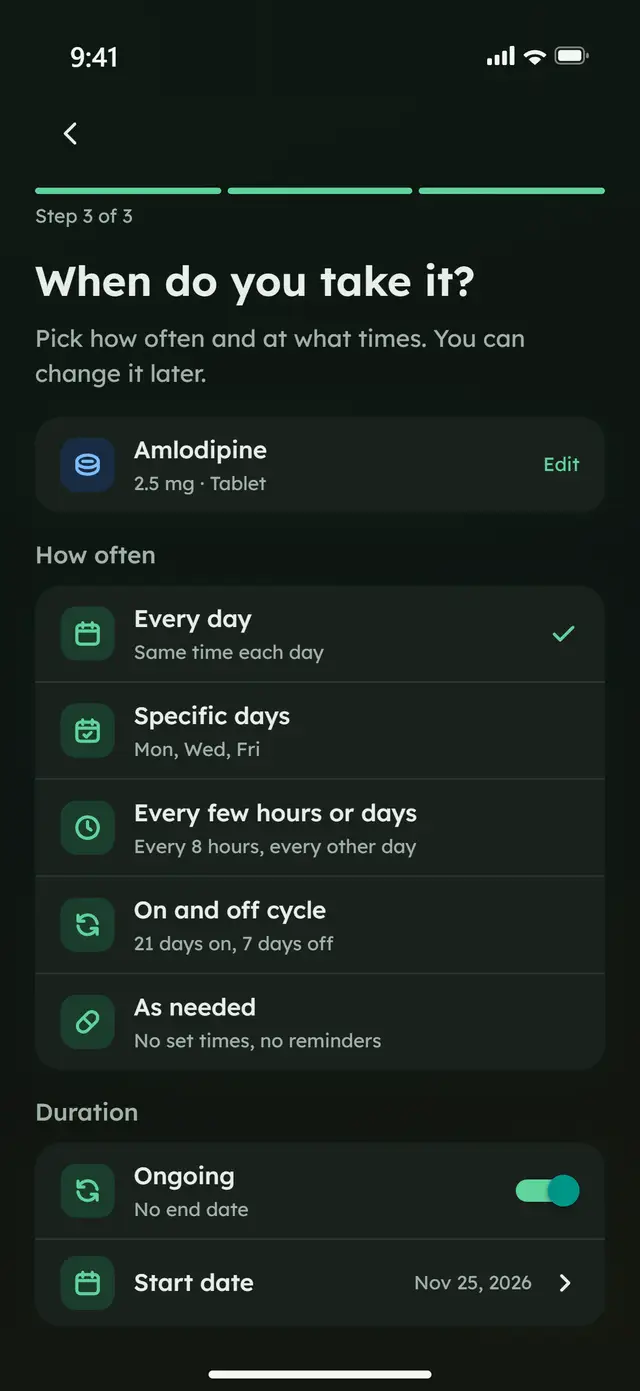
Daily, some days, every few hours, cycles, tapering, or as needed.
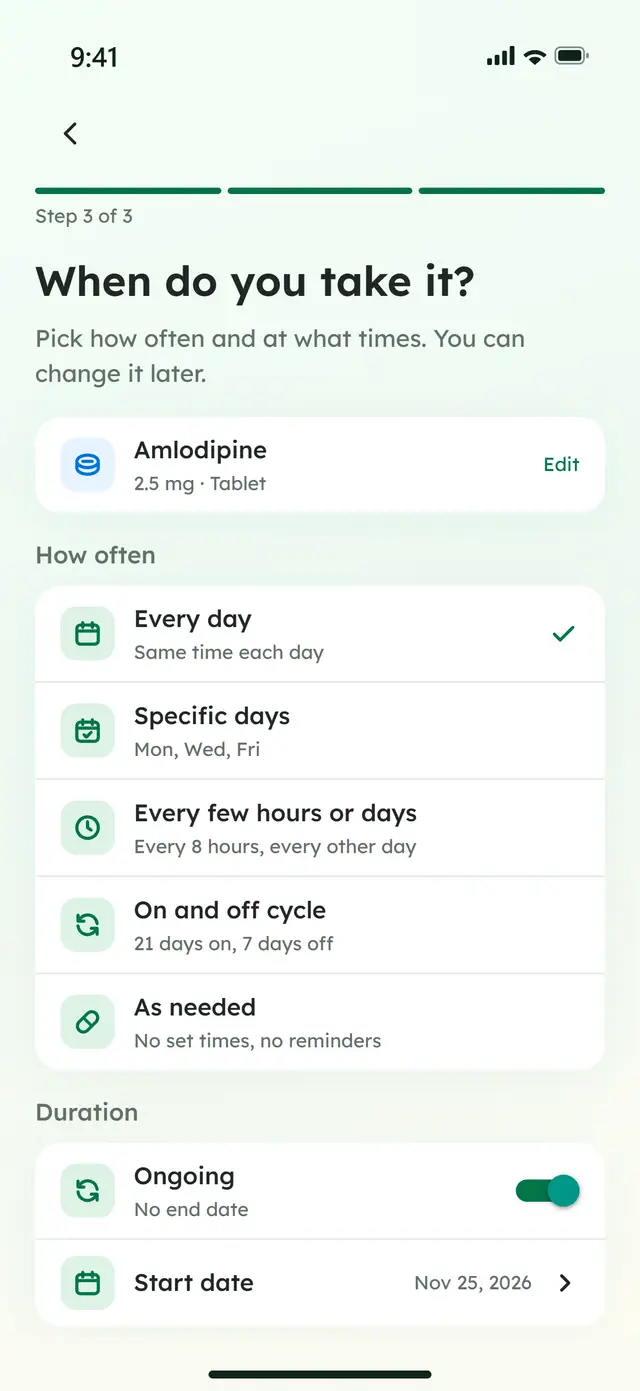
Tie a dose to breakfast or bedtime, wherever you are.
Add up to five people. Every reminder says who it’s for.
You
2 of 6 taken
Margaret
Mom · 1 of 2 taken
Sam
Son · 0 of 1 taken
Add someone
Up to 5 people besides you
Switch between people in one tap
Call or message them from their profile
They don’t need the app
Blood pressure, glucose, weight, and more. Dosimo never says if a number is good or bad.
Average, lowest, highest, and your own target.
128/82mmHg
Today, 8:10 AM · pulse 72
Mild, moderate, or severe, with a note.
TirednessModerate
Nov 24, 3:00 PM · Still going
DizzinessMild
Nov 20, 8:15 AM · Stood up quickly
Doses taken, and taken on time.
79%taken
On time33 of 33
33 of 42 doses, Nov 19 to Nov 25
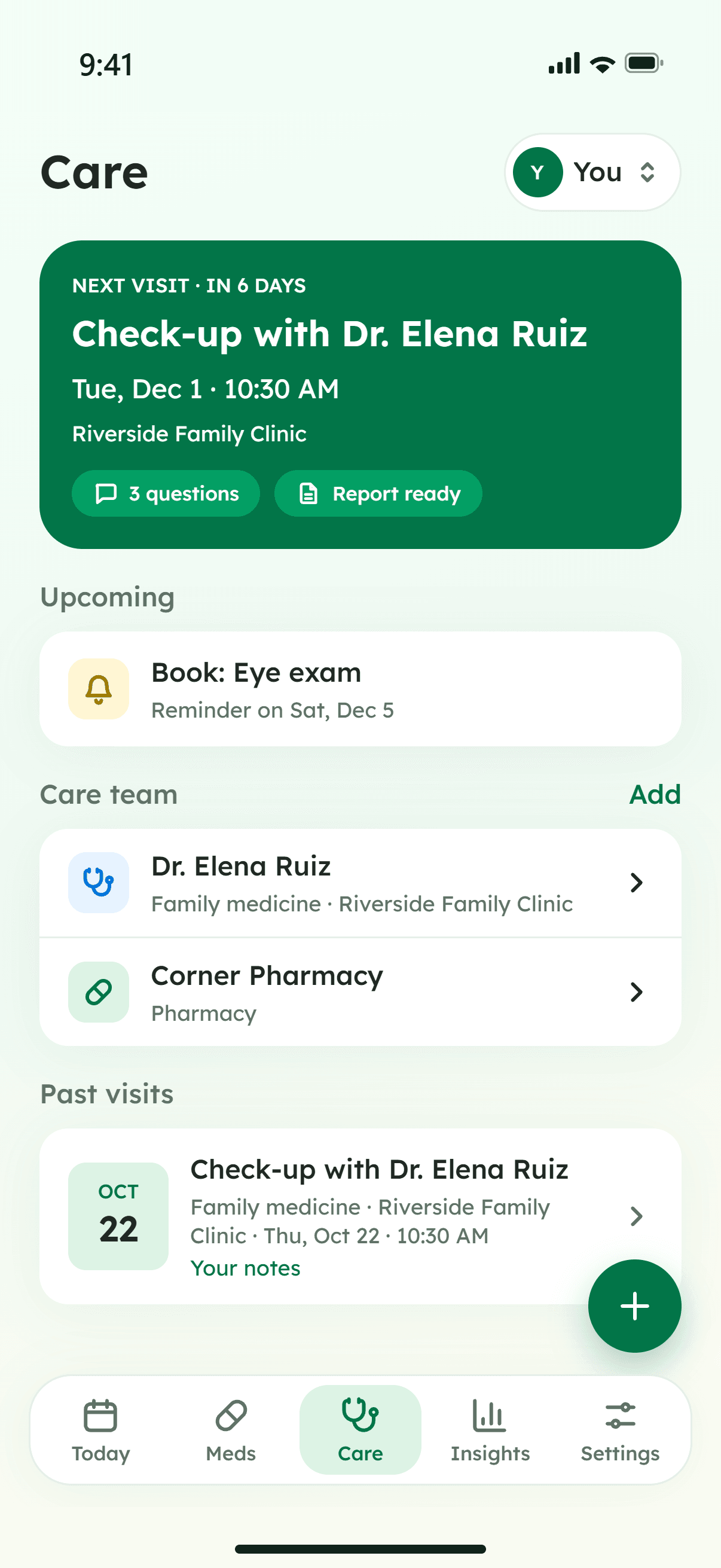
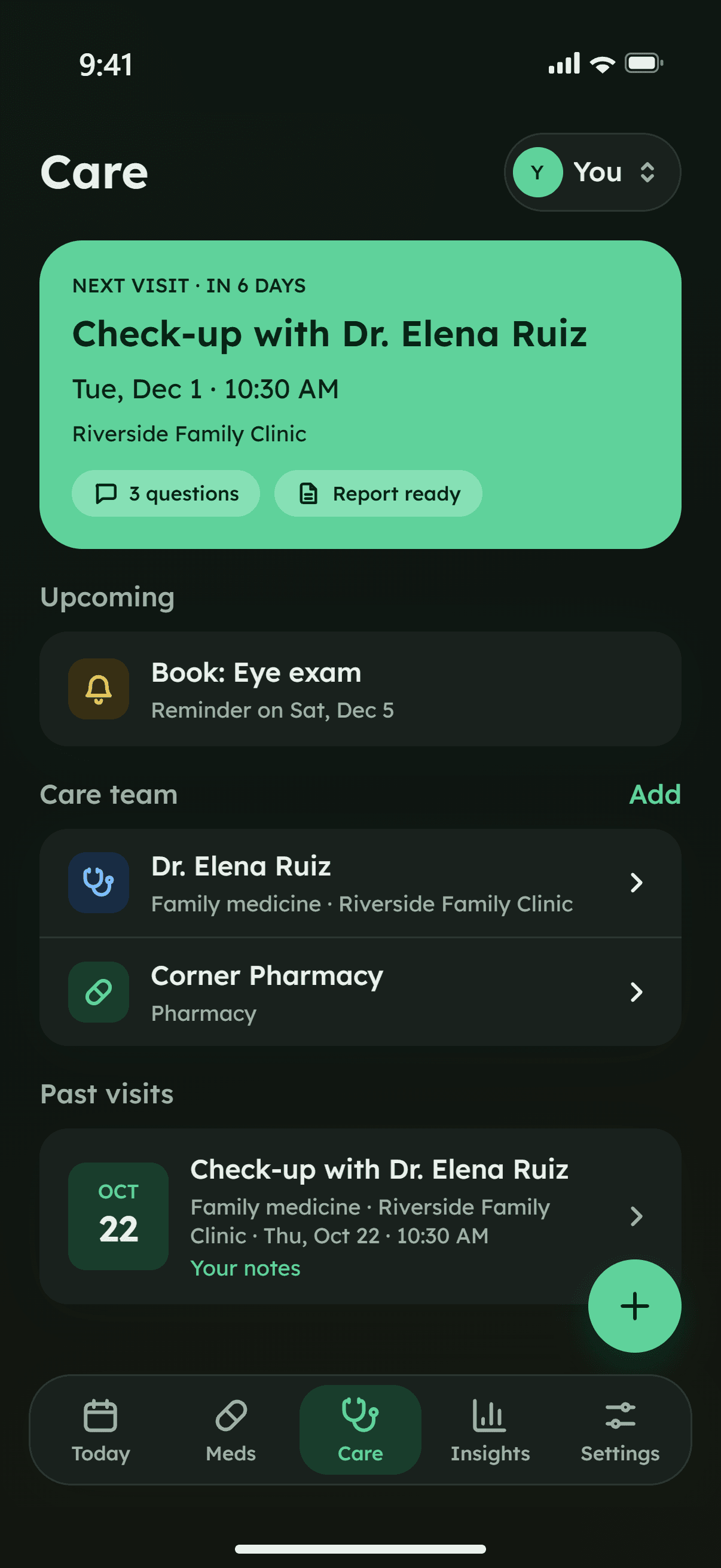
Appointments, your questions, and a report to bring to the doctor.
Appointments with reminders
Questions saved for the next visit
A report that shows each dose taken, skipped, or missed
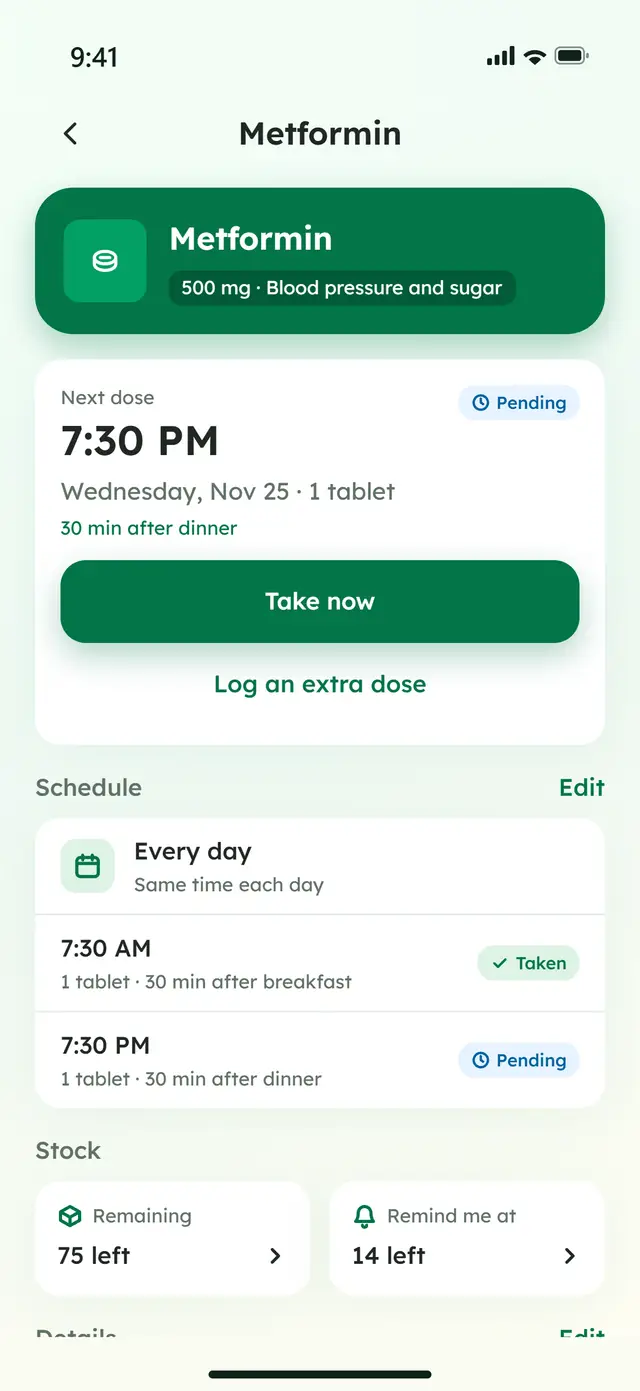
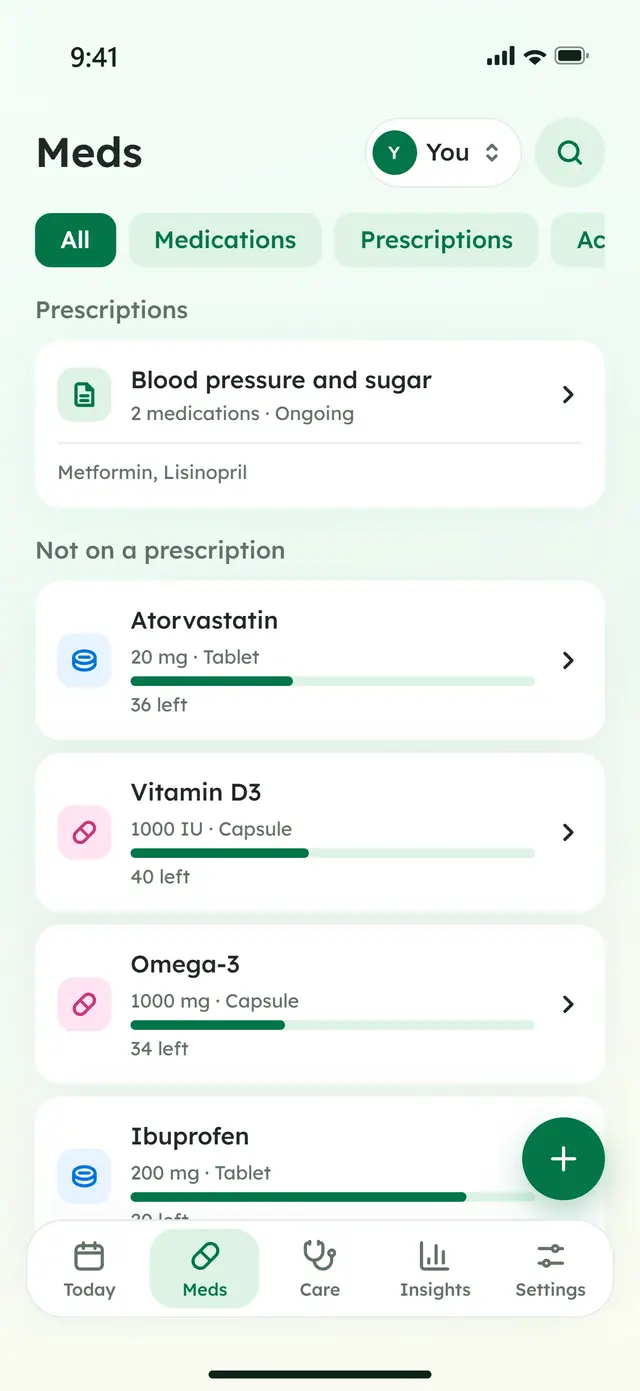
A heads-up before you run out. Tap Refill when the new pack arrives.
Tablets, liquids, inhalers, patches, and more
Prescriptions with their doctor and dates
Your records leave the phone only when you share them.
Hide medication names in reminders
Export everything to one file
Delete it all, any time
Anonymous usage sharing is off unless you turn it on.
Dosimo is free to download. Dosimo Premium adds unlimited medications, family profiles, reports, and your full history.
No. There’s no sign-up, email, or password. Open the app and add your first medication.
On your phone only. Dosimo has no server, so there’s no copy in the cloud. With Dosimo Premium, Export my data saves all your records to one file you can keep where you like. Restoring from a file is free.
Yes. Reminders, the dose log, and all your records work without an internet connection.
Dosimo is free to download. The free plan covers up to 3 medications and 1 prescription, with reminders, the dose log, refills, readings, symptoms, the Care tab, and the last 7 days of history. Dosimo Premium adds unlimited medications, follow-up and alarm-style reminders, family profiles, the doctor report and medicine list, prescription renewal reminders, your full history, and data export. The store shows the price in your currency before you buy.
Apple bills Dosimo Premium, so you cancel in the App Store. On iPhone, open Settings, tap your name, then Subscriptions. On a new phone, open the Premium screen in Dosimo and tap Restore purchases.
Yes, with Dosimo Premium. Add up to 5 people besides you. Each person has their own medications, reminders, dose log, and reports, and every reminder says who it’s for. They don’t need the app.
Reminders are notifications, so your phone’s settings can hold them back. Check that notifications for Dosimo are allowed and that Do Not Disturb or a Focus mode isn’t silencing them. Like any app, reminders can sometimes fail.
Yes. Turn on Hide names in notifications in Settings. Reminders then show without the medication names.
iPhone and iPad. You can move your records to a new phone with an export file.
16: English, Arabic, Chinese (Simplified), Danish, Dutch, Finnish, French, German, Hindi, Italian, Japanese, Korean, Portuguese, Russian, Spanish, and Turkish.
The built-in list comes from a US database. If your medication isn’t there, type its name yourself.
No. It reminds you and keeps a record. Ask your doctor or pharmacist about your medications.
In Settings, tap Delete everything on this device. It erases every record on the phone and can’t be undone. Deleting the app removes its data too.
On the old phone, use Export my data (Dosimo Premium) and save the file somewhere you can reach. On the new phone, install Dosimo and choose Restore from a file. Restoring is free.
Have a question, feedback, or just want to say hi? We’d love to hear from you.